WemimiBuy spreadsheet entrance
WemimiBuy Spreadsheet for cleaner product finds
Start with a product type, check the proof that matters, then open the matching product path only when the row is ready for a real purchase.
Category → source proof → QC angle → shipping value → main product path.
Choose the buying lane
Pick the product category, then check the evidence
These cards are not another product list. They help a buyer decide which proof matters first: size for shoes, fabric for hoodies, hardware for bags, weight for outerwear and route limits for electronics.
Buyer checks
Use one check before opening the product path
Pick the guide that matches the next risk: QC photo, shipping value, source link, order note or warehouse proof.
Live product entrances
Open WemimiBuy spreadsheet examples when a row is ready
Use these visual examples after the category is clear. Each product card points to a live product path and reminds the buyer what to confirm before saving, paying or requesting QC photos.
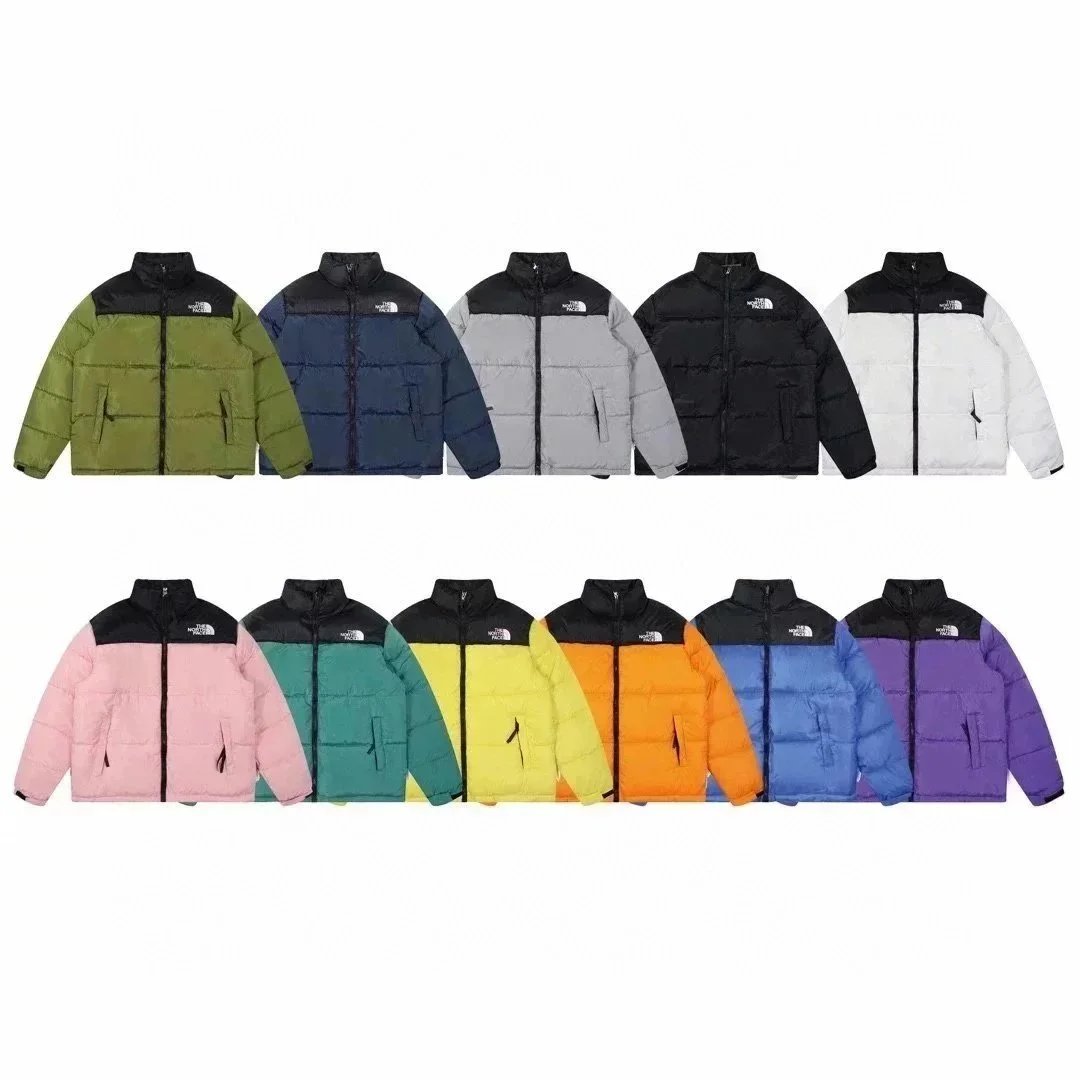 Outerwear
Winter puffer jacket
Check warmth, tag detail and expected parcel weight.
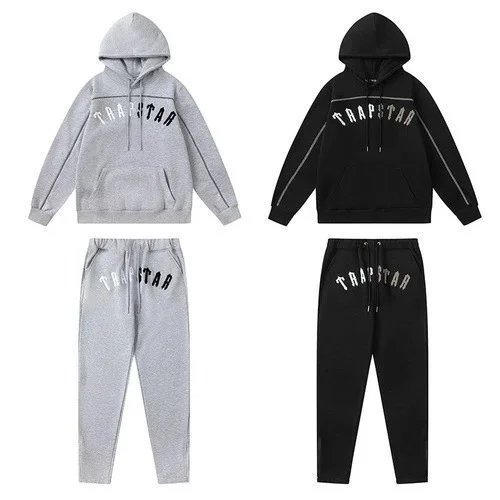 Hoodies
Trapstar hoodie set
Compare print placement, fabric feel and selected color.
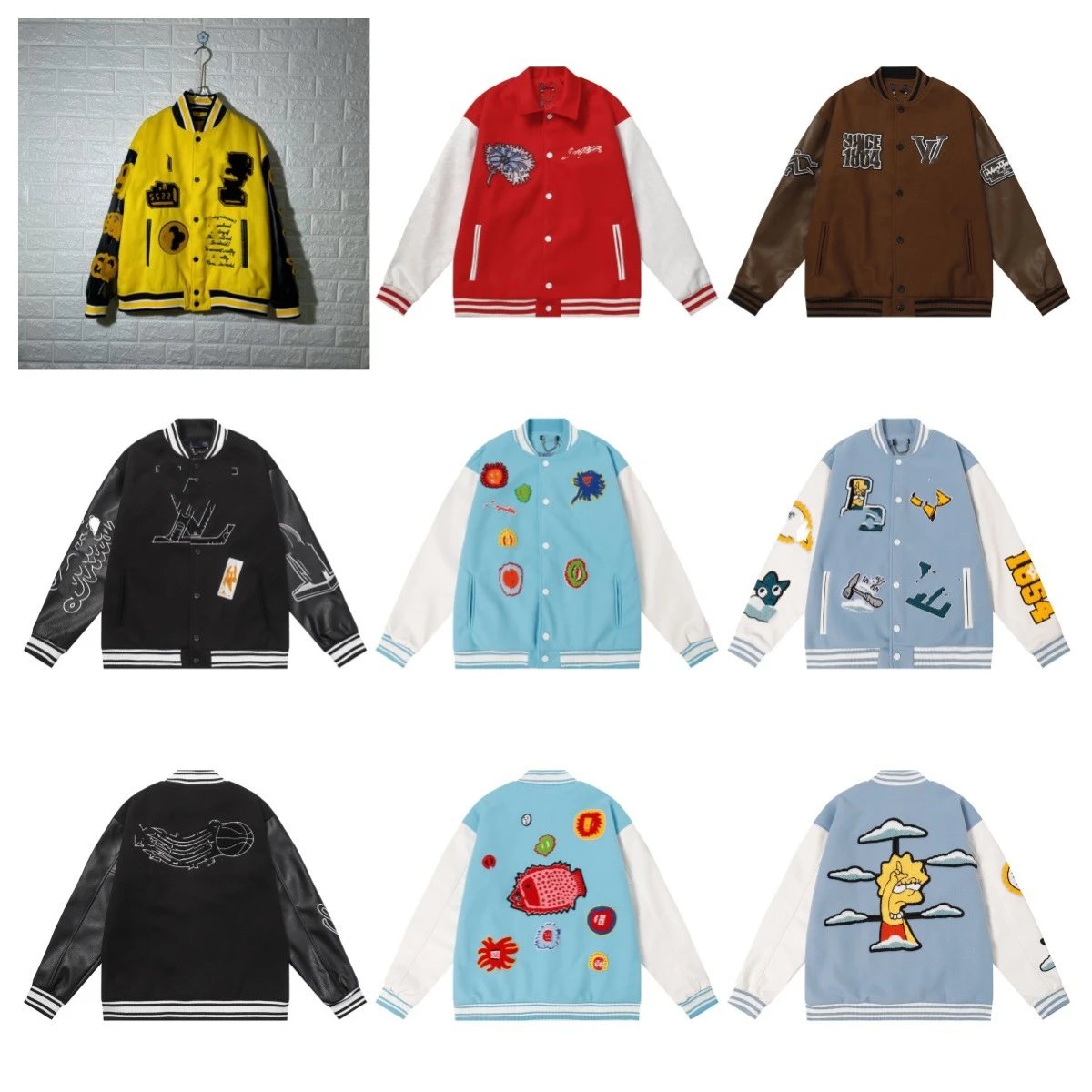 Outerwear
Patchwork varsity jacket
Verify patches, sleeve details and seller-photo match.
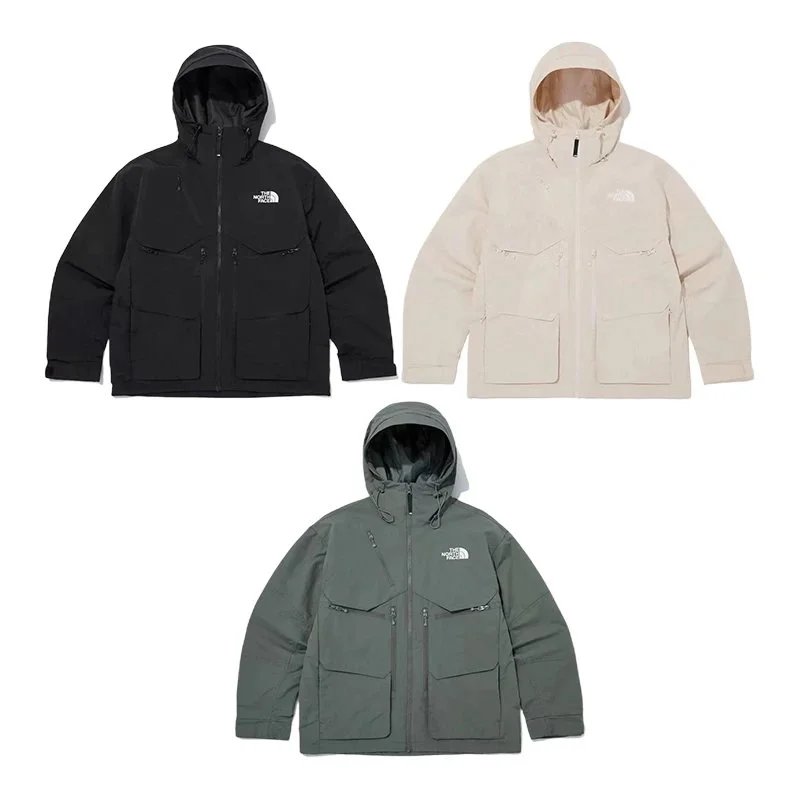 Outerwear
Mountain parka
Review zipper, lining and bulky-shipping value first.
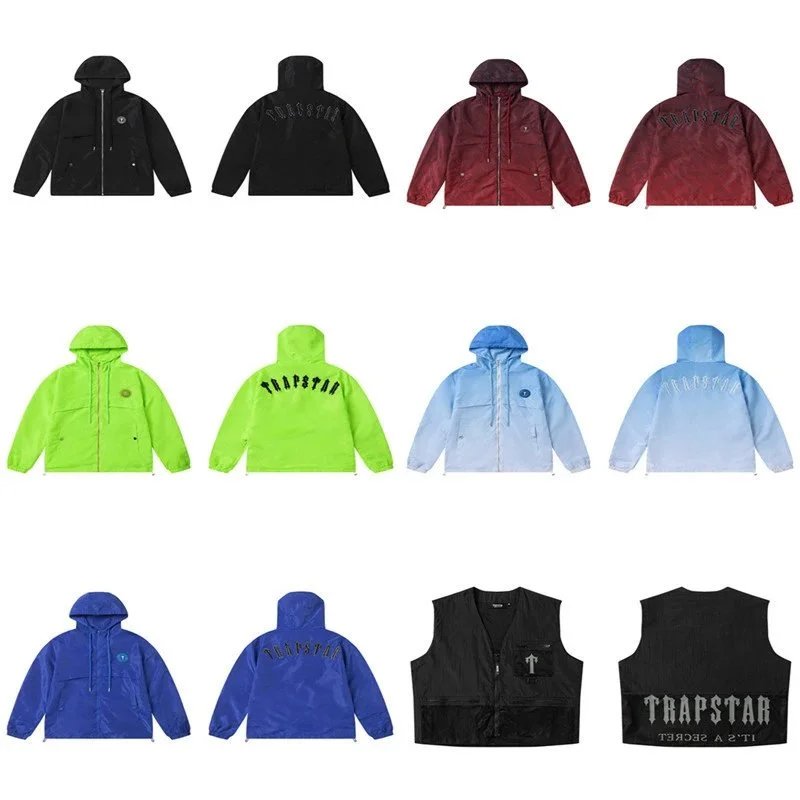 Shoes
ShoesSneaker source row
Open when size label and outsole proof are ready.
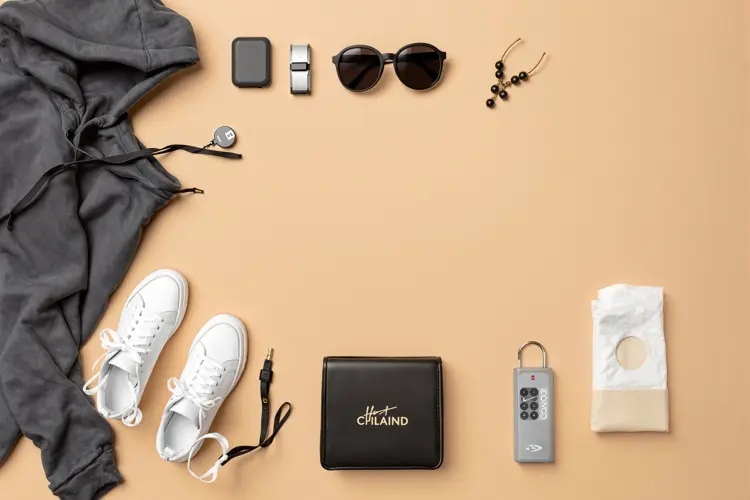 Bags
BagsBag detail row
Use hardware and inside-label photos before saving.
 Accessories
Accessory add-on
Confirm model, material and small-item parcel value.
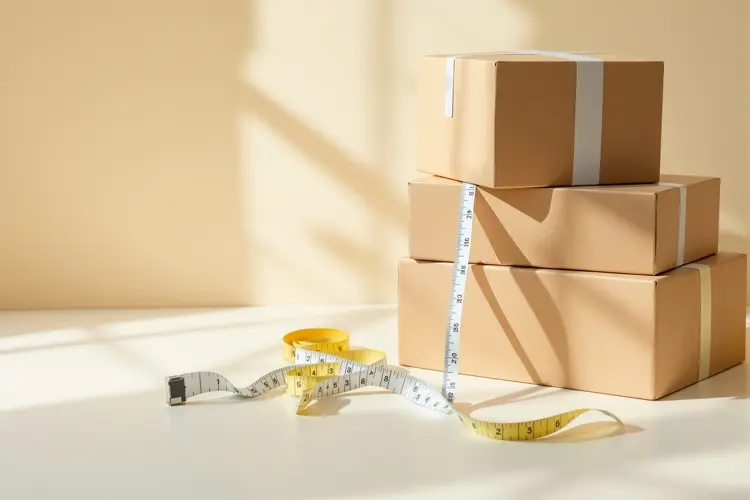 T-Shirts
T-shirt print row
Check front, back and close print before checkout.